How to Hire an AI Employee (What It Actually Takes for a Small Team)
"AI employee" gets thrown around as a vague promise. Strip the marketing off it and it's four concrete decisions, a job, some tools, a schedule, and a checkpoint, that turn a chat window into something that actually does work on its own. Here's what each one takes.
 By Abi Odedeyi · CodeFreeIQ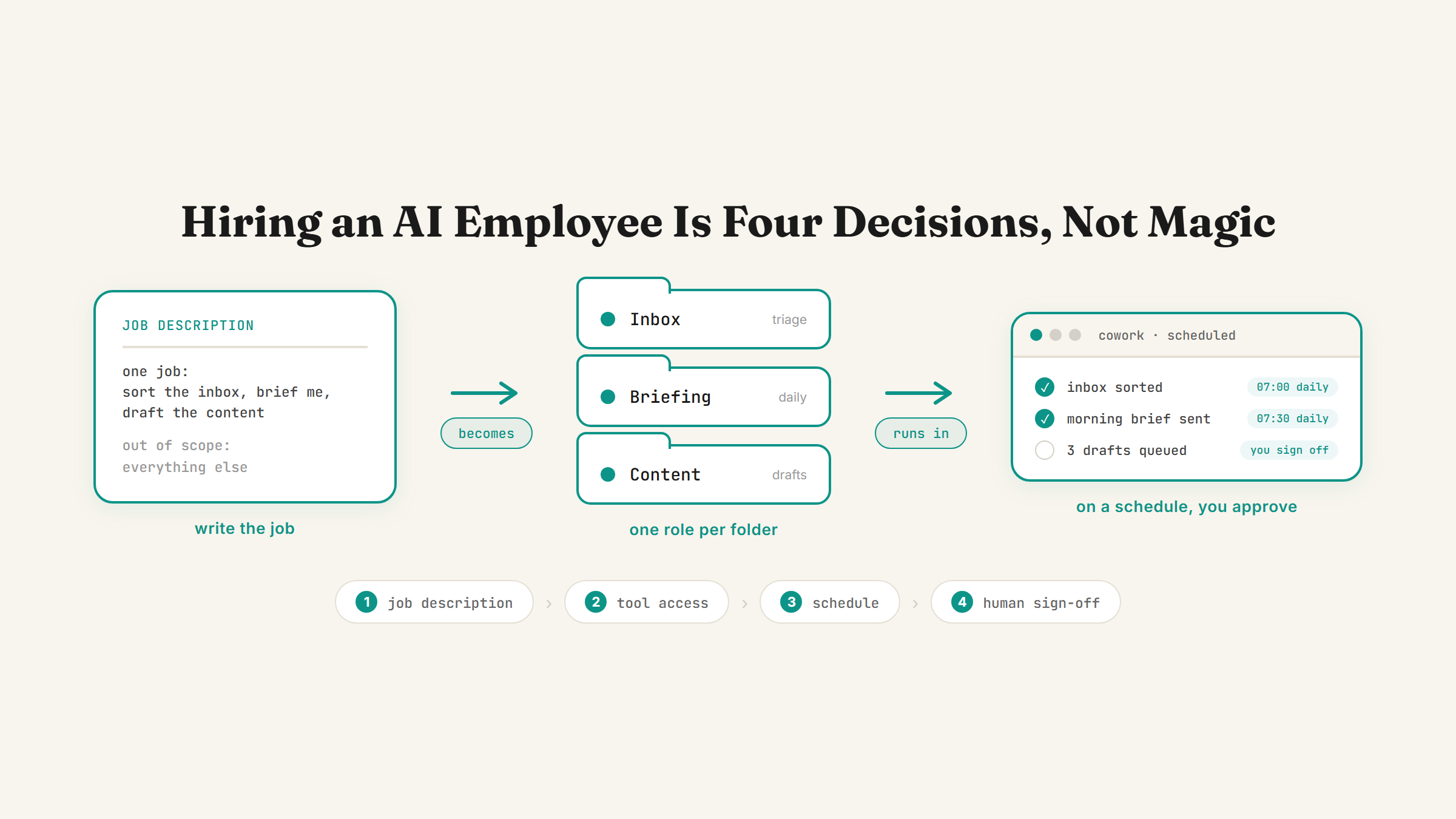
"Hire an AI employee" sounds like a pitch until you actually build one, and then it turns out to be a fairly boring, mechanical thing: you write a job description, give it access to the right tools, put it on a schedule, and decide where a human still has to sign off. None of that is exotic. It's the same four decisions you'd make hiring a real person, just applied to a Claude setup instead of a person.
It's not a chatbot, it's a bundle of skills with a job
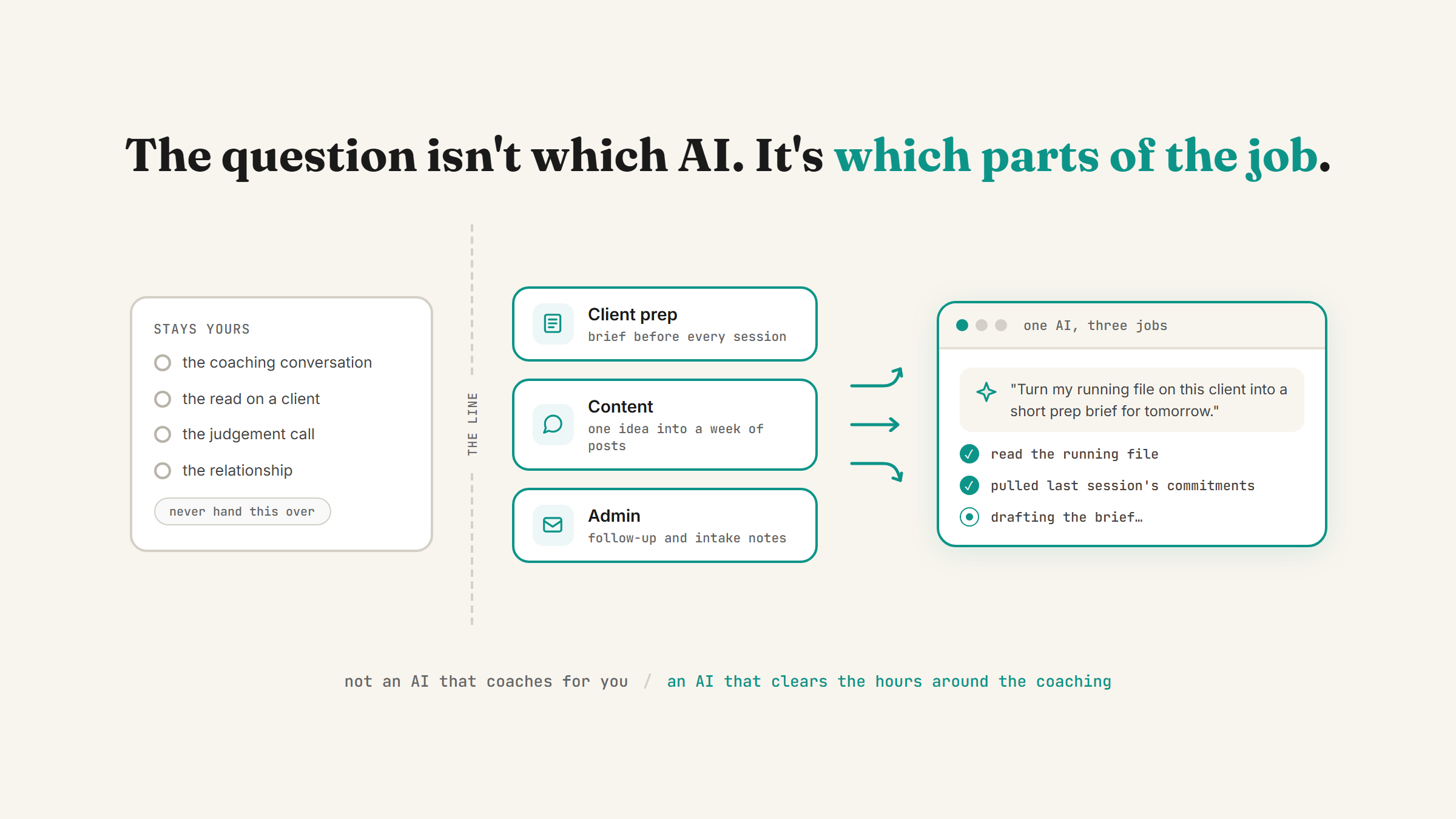
The confusion starts with the word "employee." People picture a single all-purpose assistant that handles everything. That's not what works. What actually works is closer to what I wrote about in 3 Claude skills that quietly run my business: narrow, single-purpose skills, each doing one job well, not one generalist doing everything badly.
A "Chief of Staff" AI employee reads your calendar, inbox and recent files and writes a morning brief. A "drafter" AI employee writes content in your voice and queues it for review. Neither one does the other's job, and that's the point. The narrower the job description, the more reliable the result.
Step 1: Write the job description before you touch any settings
Start with one sentence, not a wishlist. What is this AI employee's one job, and what's explicitly out of scope? "Sorts my inbox into Action Required, Waiting On and Reference" is a job description. "Handles my business" is not, and it's the fastest way to end up with something unreliable.
If you're not sure which task to hand off first, running a free AI time audit of your week is the fastest way to find the one that's actually eating your time, rather than guessing.
Step 2: Give it access to your real tools
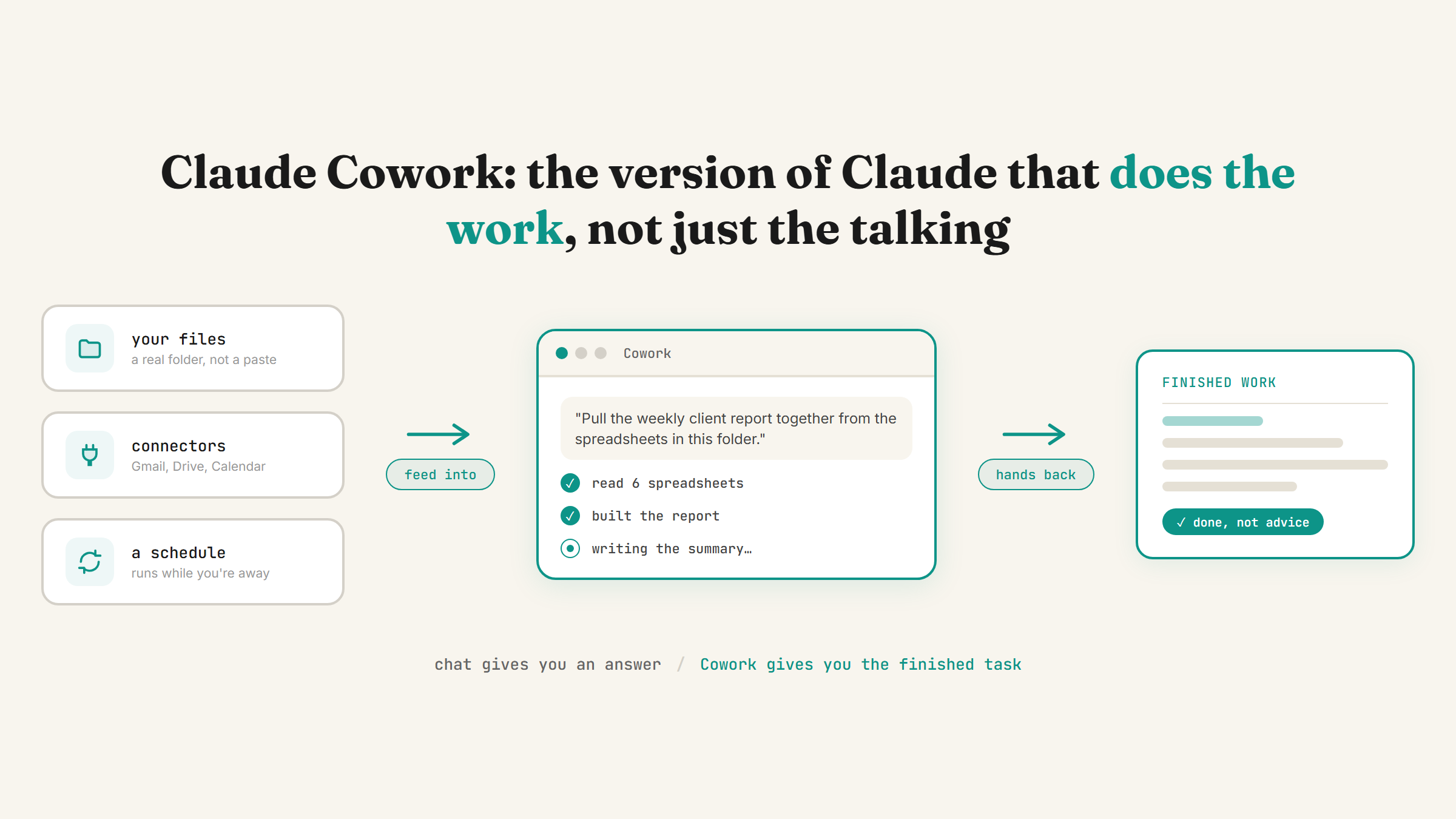
A job description means nothing if the AI employee can't reach the tools the job needs. This is what connectors are for: plugging Claude into Gmail, Calendar, Drive, Slack and the rest of what you already use, so it can actually pull real data instead of you copying everything in by hand.
This is also where most people under-set-up and then wonder why the AI employee "doesn't know anything." I covered the full sequence of settings that need to be right first in the nine settings that turn Claude into your team: connectors and memory come before anything resembling an employee, not after.
Step 3: Put it on a schedule, not a leash
A real employee doesn't wait for you to tell them to start their shift. Neither should a working AI employee. Once the job description and tool access are set, the last piece is a schedule: daily, weekly, or whatever cadence matches the job, so it runs on its own instead of needing you to open the app and press go every time.
I went deep on how this actually works in recurring tasks in Claude Cowork: the short version is that scheduled tasks run remotely, so your laptop being off doesn't stop the job from happening.
Step 4: Decide where a human still has to sign off
This is the step people skip, and it's the one that matters most. Not every AI employee should be allowed to act without a checkpoint. Sorting your own inbox is low-risk because nothing external happens. Anything customer-facing, a sent email, a published post, a client deliverable, should have a human review step before it goes live.
The blog agent that helps draft posts like this one is a working example: it picks a topic, researches it, writes a full draft, and then stops. Nothing publishes until a human has read it, checked the facts, and approved it. That's not a limitation bolted on afterward, it's the design.
What this looks like set up
Put the four steps together and an "AI employee" is really a folder: a written job description, the tool access it needs, a schedule it runs on, and a clear line for where you check its work before anything goes out. Set up two or three of these around your actual bottlenecks and you've got what people mean when they say "AI employee," without needing to hire, onboard or manage an actual person for the boring, repeatable parts of the week.
Where to start
Don't set up three AI employees in one afternoon. Pick the single task that's most predictable and most repeated, the one you do the same way every week without much judgement involved, and build the job description, tool access and schedule for that one first. Once it's running reliably for a couple of weeks, add the next.
FAQ
What is an AI employee, exactly?
It's not one all-purpose assistant. It's a narrow, well-defined job (like sorting an inbox or writing a status brief) paired with access to the specific tools that job needs and a schedule to run on its own. The narrower the job description, the more reliable it is.
Do I need to code to set one up?
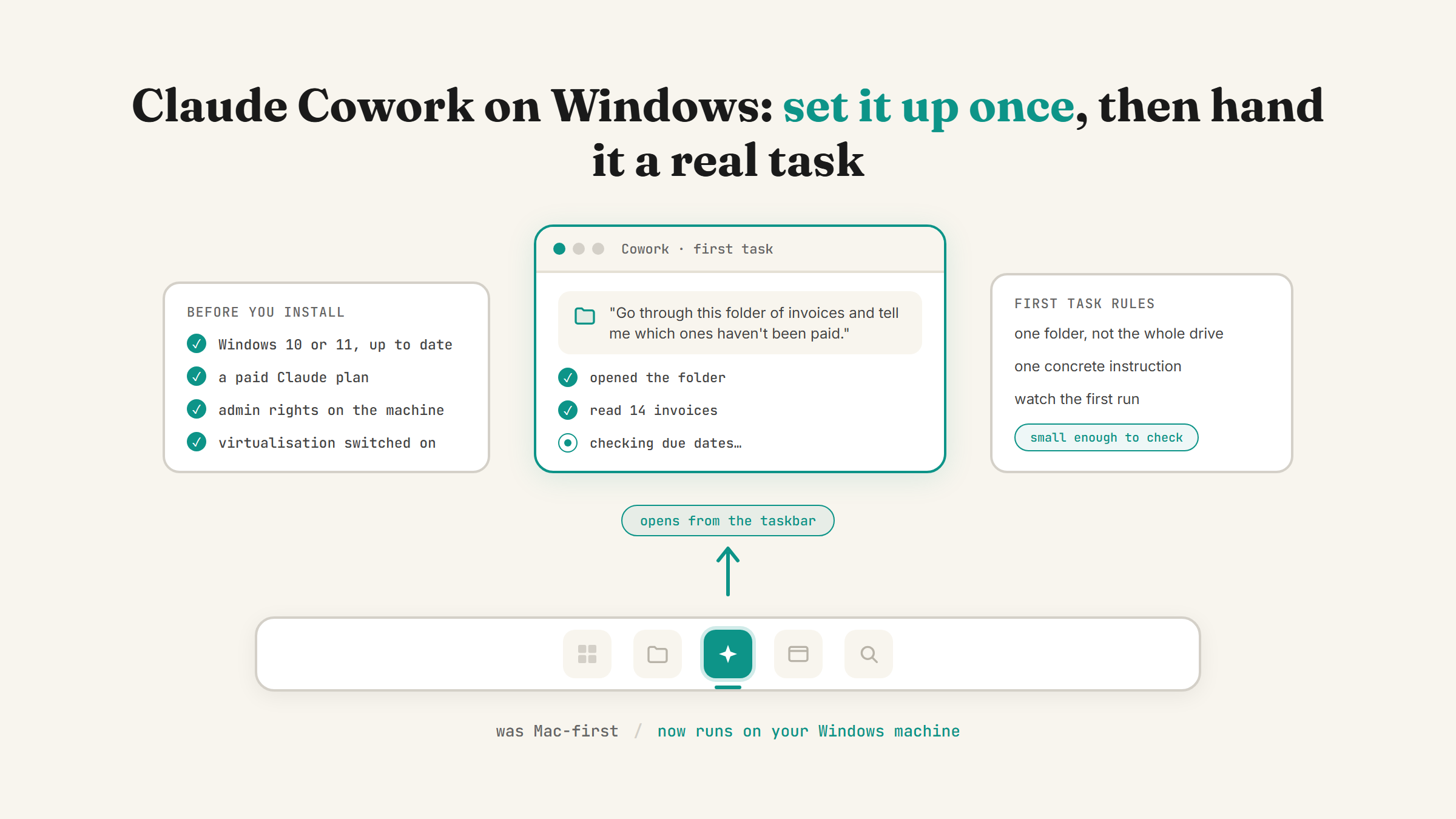
Not to run one, no, that's largely plain-English setup: describing the job, turning on the right connectors, and setting a schedule. Building something more custom from scratch benefits from getting a bit more hands-on, closer to Claude Code, but plenty of non-technical business owners get one built for them and just run it afterwards.
Will an AI employee replace my human staff?
For the narrow, repeatable tasks it's set up to do, yes, it removes the need to do that specific task by hand. It doesn't replace judgement, relationship management, or anything that needs a human decision, which is exactly why the human-checkpoint step matters: keep people in the loop for anything customer-facing or high-stakes.
What's the best first AI employee role to set up?
Whatever task already eats a predictable chunk of your week and follows the same pattern every time, inbox triage and a recurring status brief are both good starting points because the input and output rarely change shape. If you're not sure which task that is for you, a time audit will show you.
If one of the four steps above sounds like the part you keep putting off, that's usually the one worth doing first. Book a strategy call and we'll figure out which role is worth hiring first.
Want your first AI employee set up properly?
Book a strategy call and I'll help you pick the one role worth hiring first, then set it up live in your business.
Book a strategy call →One working AI system in your inbox, weekly
The Operator's AI: the email edition of everything I publish here, plus the Free AI Bundle the moment you join.
Subscribe free →