How to Use Claude in a Small Business: The First Five Jobs to Hand It
Most business owners open Claude, ask it a few questions, and quietly decide it's "not that useful for my business." The problem usually isn't Claude, it's that nobody told them which jobs to hand it first. Here's the order that actually works.
 By Abi Odedeyi · CodeFreeIQ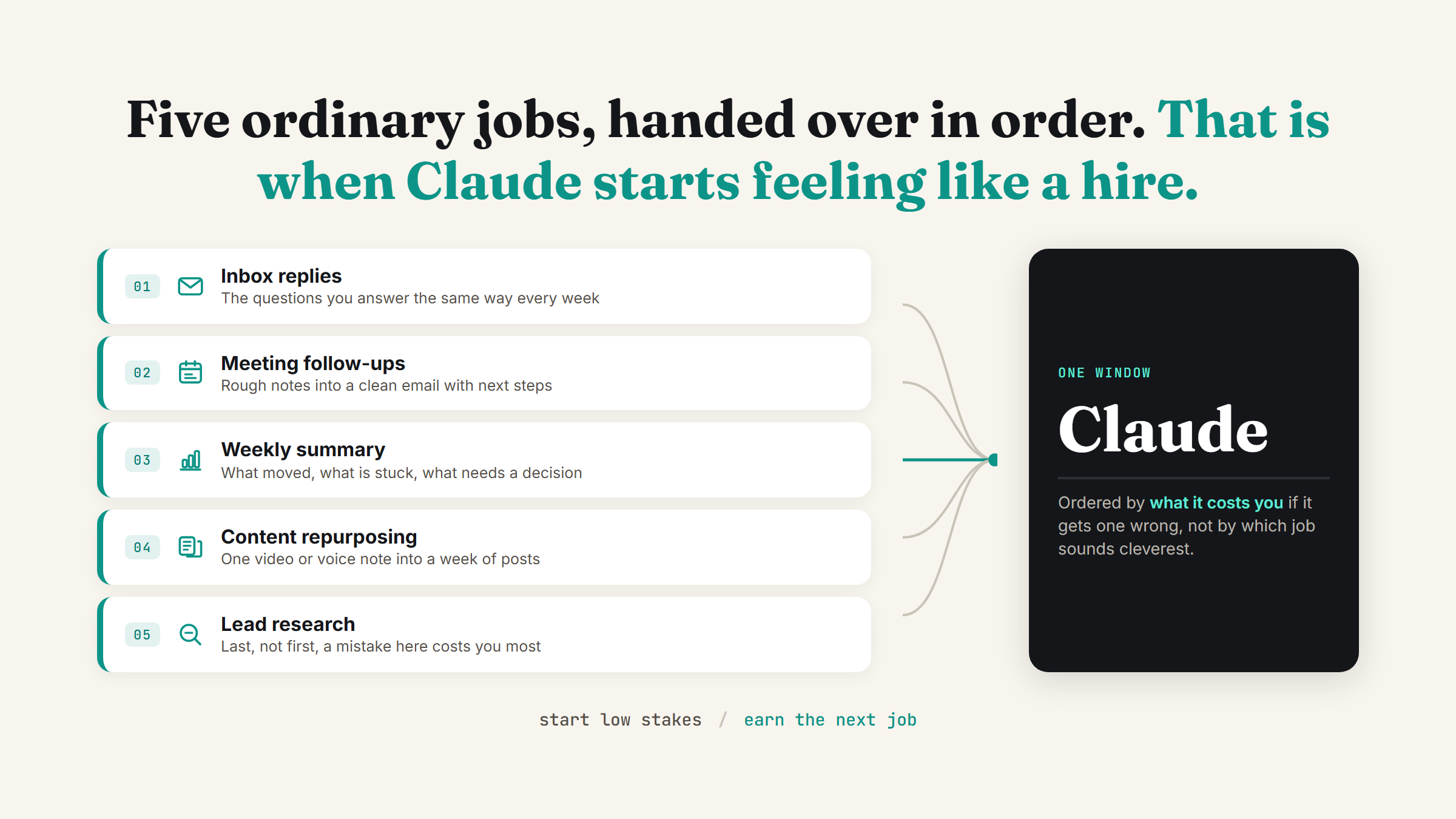
Most people's first real conversation with Claude is a question, not a job. "What's a good subject line for this email?" "Summarise this article." It's useful, and it's also the reason so many business owners quietly write Claude off as "fine for small stuff" and never come back to it for anything bigger. The gap isn't Claude's capability, it's that nobody told them which actual jobs in their week to hand it, in what order.
I set this up for clients constantly, and the order matters more than most people expect. Start with the wrong job (anything that needs judgement you can't yet trust Claude with) and it feels unreliable. Start with these five, in roughly this order, and it starts feeling less like a chatbot and more like the first hire you never had to interview.
Job 1: Drafting replies to the emails you answer the same way every time
Every inbox has a handful of questions that repeat. Pricing, availability, "where's my order," "can you send that again." These are the safest possible first job because the answer barely changes and nothing external happens until you hit send yourself. Paste the incoming email in, ask for a draft reply in your voice, edit it, send it. You're not automating your inbox yet, you're just skipping the blank-page part.
Once you trust the drafts, connecting Claude to Gmail means it can read the thread itself instead of you copying it in every time.
Job 2: Turning meeting notes into a follow-up email
Nobody sends the follow-up email as fast as they mean to. You take rough notes on a call, tell yourself you'll write it up that evening, and three days later it still hasn't gone out. Hand Claude the raw notes, even messy ones, and ask for a clean summary with next steps and owners. This is one of the fastest wins because the input already exists, you're just not currently turning it into anything.
Job 3: A weekly status summary of what actually happened
If you can't say what happened last week without scrolling through three tools, that's worth fixing before anything fancier. Feed Claude your completed tasks, sent invoices, or whatever record you already keep, and ask for a short weekly summary: what moved, what's stuck, what needs a decision. It's a small habit that pays off the moment you need to explain your week to a partner, an investor, or just your future self.
Job 4: Repurposing one piece of content into a week of posts
If you create anything, a video, a voice note, a long post, you're almost certainly using it once and letting it die. This is the job I see save the most actual hours, because the raw material already exists and the only missing step is turning it into more formats. I wrote the full breakdown of how this works in turn one video into a week of content.
Job 5: A first pass on lead research
This is the job to hand over last, not first, because it's the one where a sloppy result costs you a real opportunity. By the time you get here you should already trust Claude's drafts on the lower-stakes jobs above. Give it a clear brief, who you're looking for and why, and it can hand back a genuinely useful starting list you still review and personalise yourself before anything goes out.
Why the order matters more than the list
The five jobs above aren't a ranked "best" list, they're ordered by how much it costs you if Claude gets one wrong. A clumsy email draft costs you thirty seconds of editing. A bad lead list costs you a wasted afternoon and possibly a burned contact. Starting with the low-stakes, easy-to-check jobs is how you build an accurate sense of what Claude is actually good at in your specific business, before you hand it anything where a mistake is expensive.
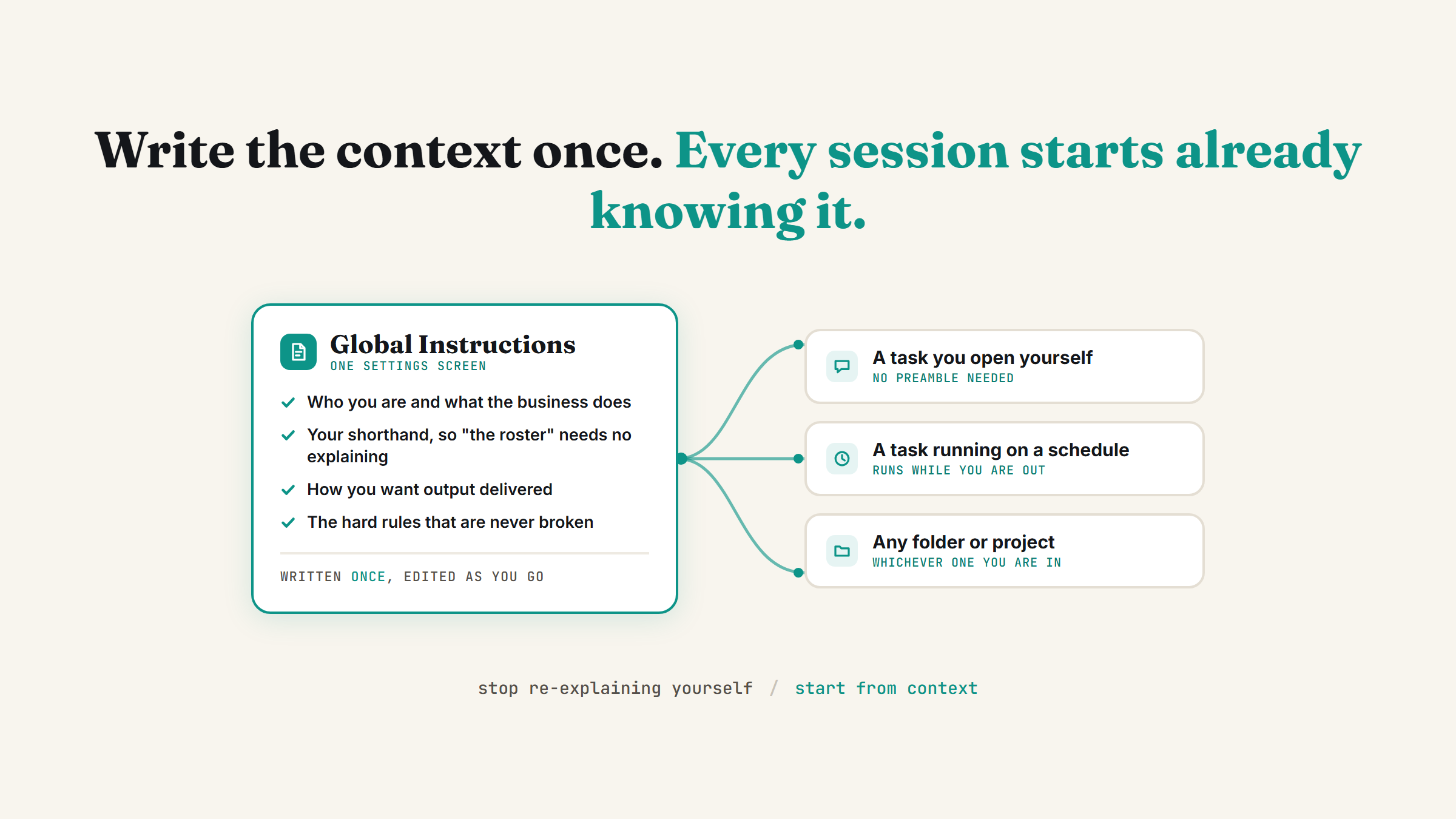
This is also why the settings you turn on first matter before any of the five jobs above work well. Memory and connectors aren't optional extras, they're the difference between Claude re-learning your business every single chat and Claude actually knowing it.
What this looks like once it's running
Put two or three of these on a habit, not a one-off, and the pattern shows up fast: the inbox stops piling up the same way, meeting notes stop dying in a notebook, and the content you already make stops being used once. None of this needs a developer or a custom build. It's five ordinary jobs, handed over in an order that lets you trust the next one because the last one worked.
FAQ
What's the best first task to give Claude in a small business?
Something low-stakes where nothing external happens until you personally hit send, drafting replies to the questions you answer the same way every week is the classic starting point. It builds trust fast because you can check the output in seconds and nothing goes wrong if the first draft isn't quite right.
Do I need to connect my tools before Claude is useful?
No, you can start by pasting things in by hand and get real value immediately. Connecting Gmail, Calendar and the rest removes the copy-paste step later, but it's worth proving the job is useful first before wiring it into your actual accounts.
How many jobs should I hand Claude at once?
Two or three to start, not five on day one. Add the next job once the current ones are running reliably for a couple of weeks, the same way you wouldn't hand a new hire your whole job description on their first morning.
Is lead research safe to hand to Claude straight away?
It's better used as your fourth or fifth job, not your first. A lead list you haven't yet learned to trust risks a wasted afternoon or an outreach message that lands badly, so it's worth building confidence on lower-stakes jobs first, then treating anything Claude hands back here as a first draft you personally review before it goes out.
If you already know which of these five is eating the most of your week, that's the one worth setting up properly first. Book a strategy call and we'll get it running.
Want help picking your own first five?
Book a strategy call and I'll help you map the jobs eating your week to what Claude can actually take off your plate, in the right order.
Book a strategy call →One working AI system in your inbox, weekly
The Operator's AI: the email edition of everything I publish here, plus the Free AI Bundle the moment you join.
Subscribe free →