Do AI Employees Actually Work? What I Learned Building Them for Clients
"Does it actually work" is the right question, and the honest answer is neither yes nor no, it depends entirely on how narrowly the job is scoped. Here's what I've watched succeed and fail building these for my own business and for clients.
 By Abi Odedeyi · CodeFreeIQ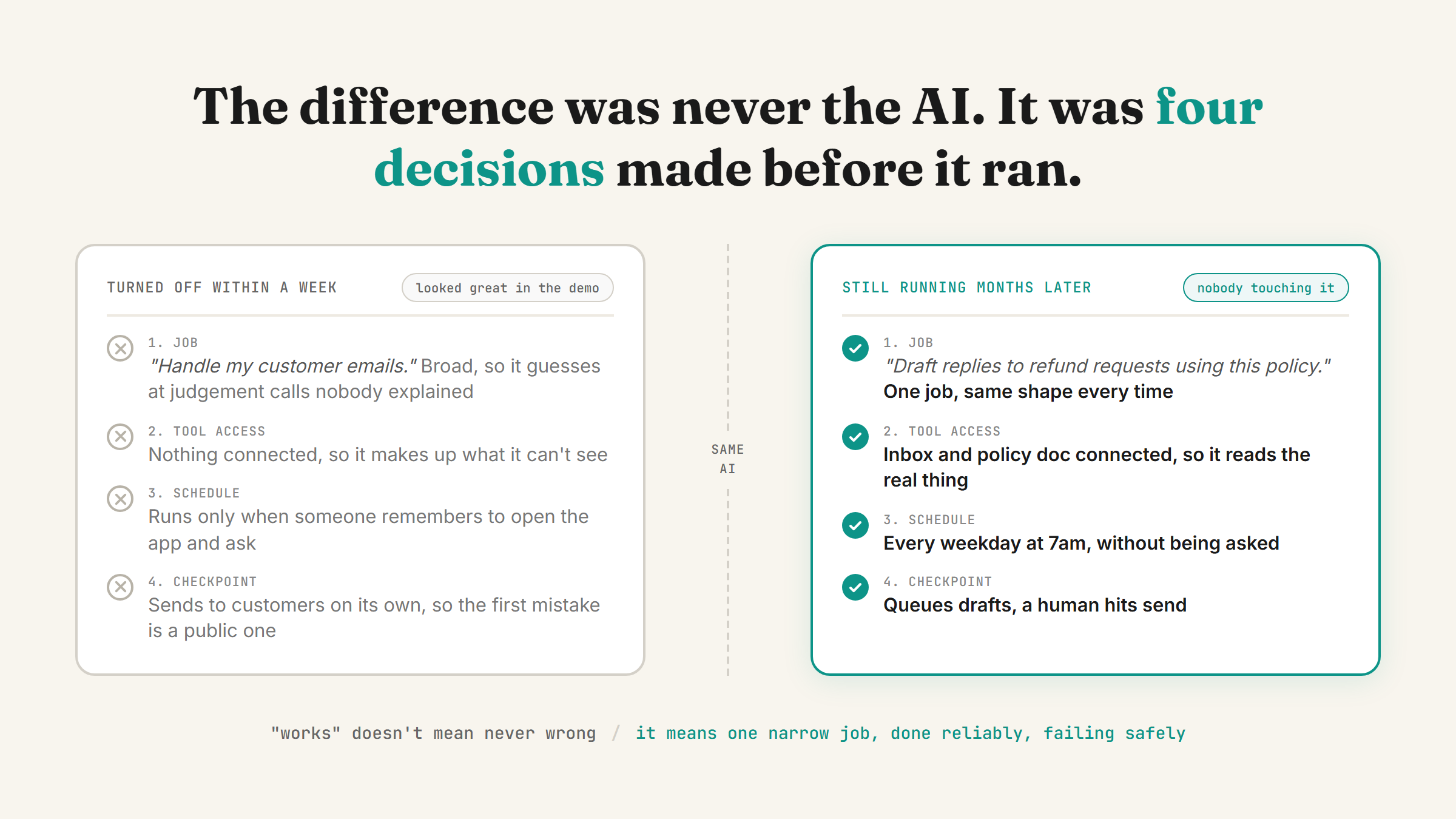
"Does it actually work" is the question I get asked most, usually right after someone has watched a demo that looked impressive for thirty seconds. The honest answer is: some of the AI employees I've built are still running today, months later, without anyone touching them. Others got quietly turned off within a week. The difference was never the underlying AI. It was four decisions made before the thing ever ran a single task.
What "works" actually means
"Works" doesn't mean it never gets anything wrong. It means it does its one job reliably enough that a human isn't checking every output, and it fails safely when it does get something wrong, instead of sending a bad email or publishing something false. That's a much lower bar than "replaces a person" and a much higher bar than "gave a good demo."
By that standard, three of the AI employees running in my own business right now count as working. A skill sorts my Gmail into Action Required, Waiting On, and Reference before I open the inbox. A Chief of Staff skill reads my calendar, inbox and recent files each morning and writes a status brief. A drafting skill picks the next topic from a content backlog and writes a full blog post, the same way this one got written, and then stops and waits for me to approve it. None of them are flashy. All three have been running for weeks without me rewriting the instructions.
Where it actually works: narrow, repeatable, low-stakes or checkpointed
Every AI employee that's stuck around shares the same shape. It does one job, not several. The job is the same shape every time it runs, sorting email, writing a brief, drafting a post, not a different judgement call each time. And either the stakes are low (sorting doesn't affect anyone outside your business) or there's a human checkpoint before anything goes external.
Here's a made-up example that follows the pattern exactly: imagine a client running a small bookkeeping practice who had a recurring, painful task, chasing clients for missing receipts each month before she could close the books. The AI employee for that job doesn't touch the books. It reads which clients are missing documents, drafts a polite reminder email for each one, and queues the drafts for her to send. She still hits send. The job is narrow enough that it can't get the bookkeeping wrong, because it never touches the bookkeeping.
I wrote the full four-step version of this, job description, tool access, schedule, checkpoint, in how to hire an AI employee, and every example above follows that same shape without exception.
Where it falls apart: broad scope, missing tools, no checkpoint
Every failure I've seen traces back to skipping one of those four steps. The most common one is scope: "handle my customer emails" instead of "draft replies to refund requests using this specific policy." The broader the job description, the more the AI is guessing at judgement calls it was never actually told how to make, and guessing is where reliability breaks down.
The second most common failure is missing tool access. An AI employee that's supposed to check inventory but was never connected to the inventory system will confidently make something up rather than say it doesn't know. That's not a flaw in the model, it's a setup gap: connectors have to be turned on and pointed at the real system before the job can be done honestly.
The third is skipping the schedule and treating it as a one-off chat instead of something that runs on its own. I covered why that distinction matters in recurring tasks in Claude Cowork: a job that needs you to remember to open the app and ask isn't really an employee yet.
What I won't let one do without a human checking first
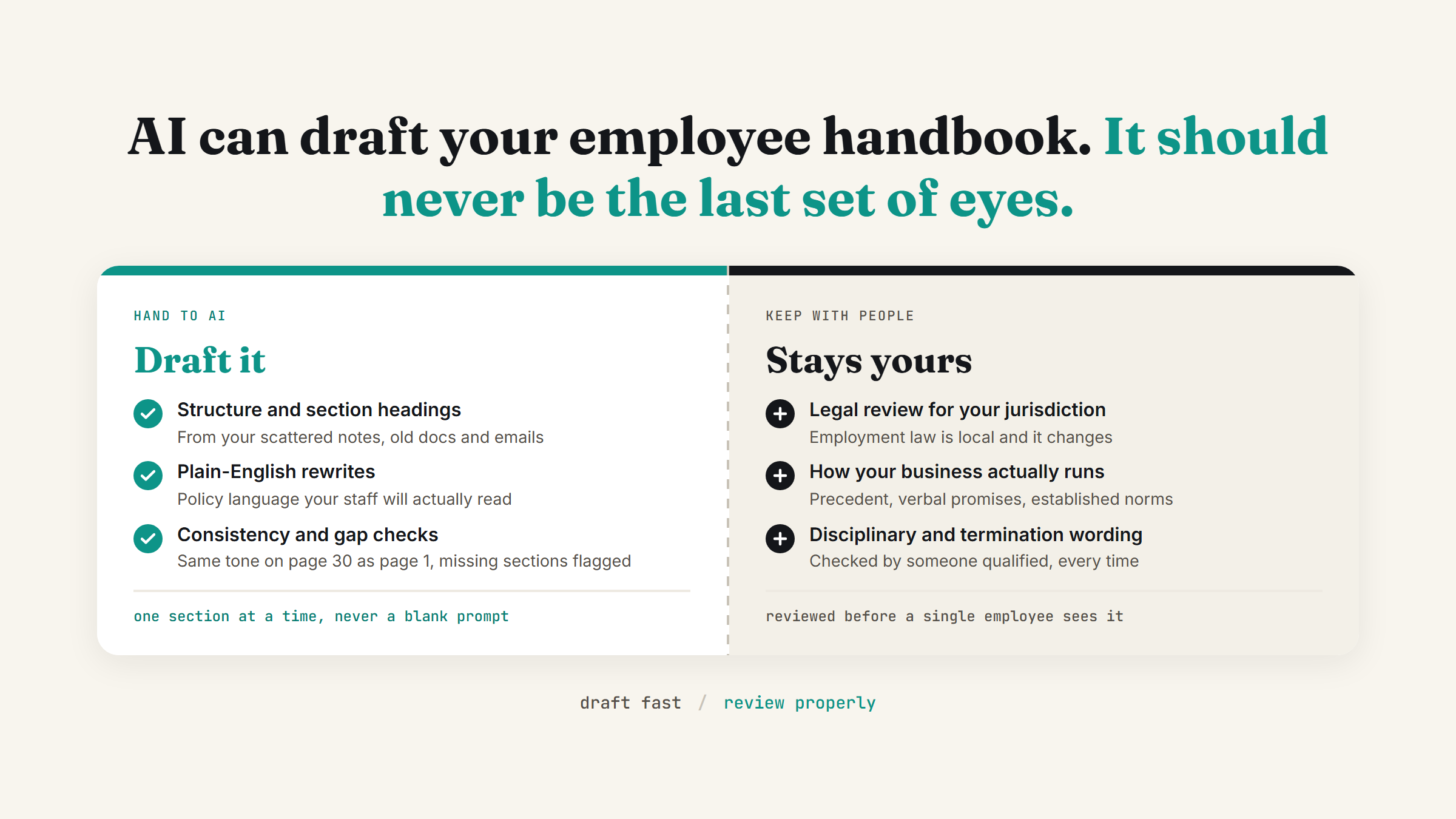
Anything that leaves your business and reaches a customer, a lead, or the public gets a checkpoint, no exceptions. Drafting a reply is fine. Sending it without review is not, unless the reply is genuinely low-stakes and the failure mode is harmless, and even then I'd rather someone glance at it for the first few weeks. The blog agent that drafted this post is the clearest example: it writes, it never publishes on its own, nothing goes live until a human has read it and checked the facts.
That's not a limitation I'm apologising for. It's the actual design, and it's the difference between an AI employee that works reliably for months and one that causes a problem the first time it encounters something it wasn't set up to handle.
Why "does AI replace employees" is the wrong framing
None of the working examples above replaced a person. They replaced a specific, repetitive task that a person was spending time on: chasing receipts, sorting an inbox, writing a status update, drafting a first pass of a blog post. The judgement calls, deciding whether to chase a client harder, deciding what actually matters in a status brief, approving what goes public, all still sit with a human. That's not a consolation prize, it's why the setup holds up in practice instead of falling apart the first week.
Where to start if you're deciding whether to build one
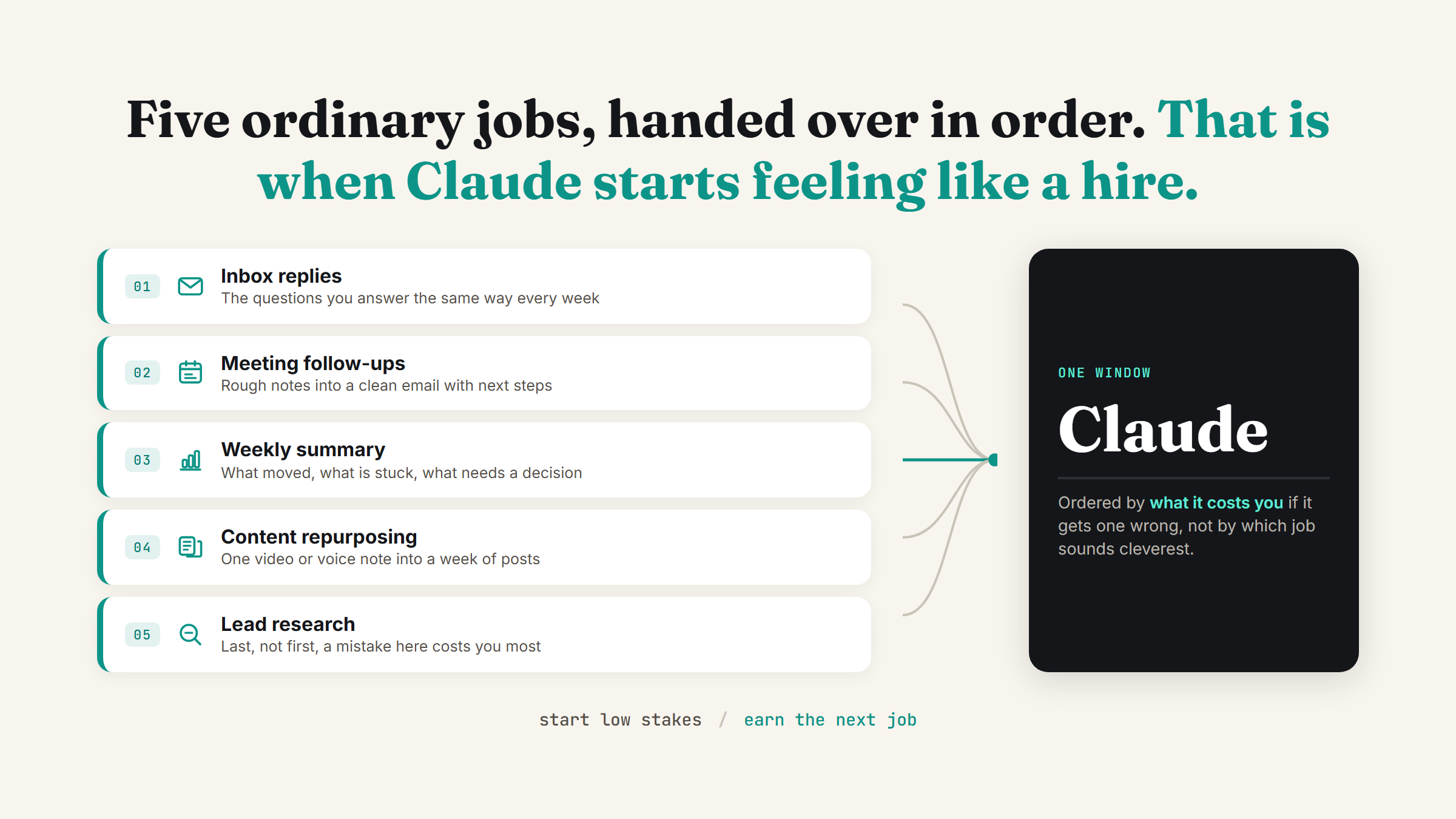
Don't start with the most ambitious role you can imagine. Start with the task that's the most repetitive, the most predictable, and the lowest stakes if it gets something wrong. If you're not sure which task that is, a free AI time audit of your week will usually surface it faster than guessing. Get that one running reliably for a few weeks before you add a second.
FAQ
Do AI employees actually replace human staff?
Not for judgement calls, relationship management, or anything that needs a human decision. They reliably remove the need to do a specific, repetitive task by hand, sorting an inbox, drafting a status update, chasing a routine follow-up, which is different from replacing a role entirely.
Why do some AI employees stop working after a few weeks?
Almost always because the job description was too broad, the tool access was missing, or there was no schedule keeping it running on its own. Narrow scope, real tool access, and a schedule are the three things that turn a one-off demo into something that keeps running, the full breakdown is in how to hire an AI employee.
Is it risky to let an AI employee handle client-facing work?
It's risky without a human checkpoint before anything external goes out. Internal, low-stakes tasks like sorting email can run unattended. Anything a customer or client will see, an email, a public post, a deliverable, should have a review step until you've watched it get things right consistently.
How long does it take to know if an AI employee is actually working?
A few weeks of it running on its own schedule without you having to step in and fix something is the real test, not the first demo. If you're still checking every single output after a month, the job description is probably still too broad and needs narrowing rather than more patience.
If you're weighing whether a specific task in your business is a good fit for this or not, that's exactly the conversation worth having before you build anything. Book a strategy call and I'll give you a straight answer.
Want to know if an AI employee would actually work for your business?
Book a strategy call and I'll tell you honestly, based on what the role actually is, not a sales pitch.
Book a strategy call →One working AI system in your inbox, weekly
The Operator's AI: the email edition of everything I publish here, plus the Free AI Bundle the moment you join.
Subscribe free →