Building a Consulting-Grade Deck in Claude (Not Another Slide Generator)
Ask an AI slide tool for a consulting deck and you get a polished template that looks like every other AI-made deck. Getting something that reads like it came from someone who actually understands the client's problem takes a slower approach: context first, built one section at a time. Here's exactly how that works.
 By Abi Odedeyi · CodeFreeIQ
Most "AI for consulting decks" advice ends the same way: type one prompt describing your client, pick a template, and get a deck that looks like every other AI-made deck: generic icons, a title slide that says "Executive Summary," and nothing in it that couldn't apply to any client in any industry. It's fast, and it's exactly why it's obvious. The version that actually holds up in front of a client takes longer to set up and is far less generic, because it starts with your real brief, not a blank prompt.
Why one big prompt gives you a generic deck
A single prompt has to guess at everything a real engagement already knows. When you type "build me a consulting deck for a logistics client," Claude has no brief, no notes from discovery calls, no sense of what this client actually cares about. So it fills the gaps with the safest, most generic consulting language it can find. That's not a flaw in the model, it's what happens whenever the input is thin and the output has to fill the space anyway.
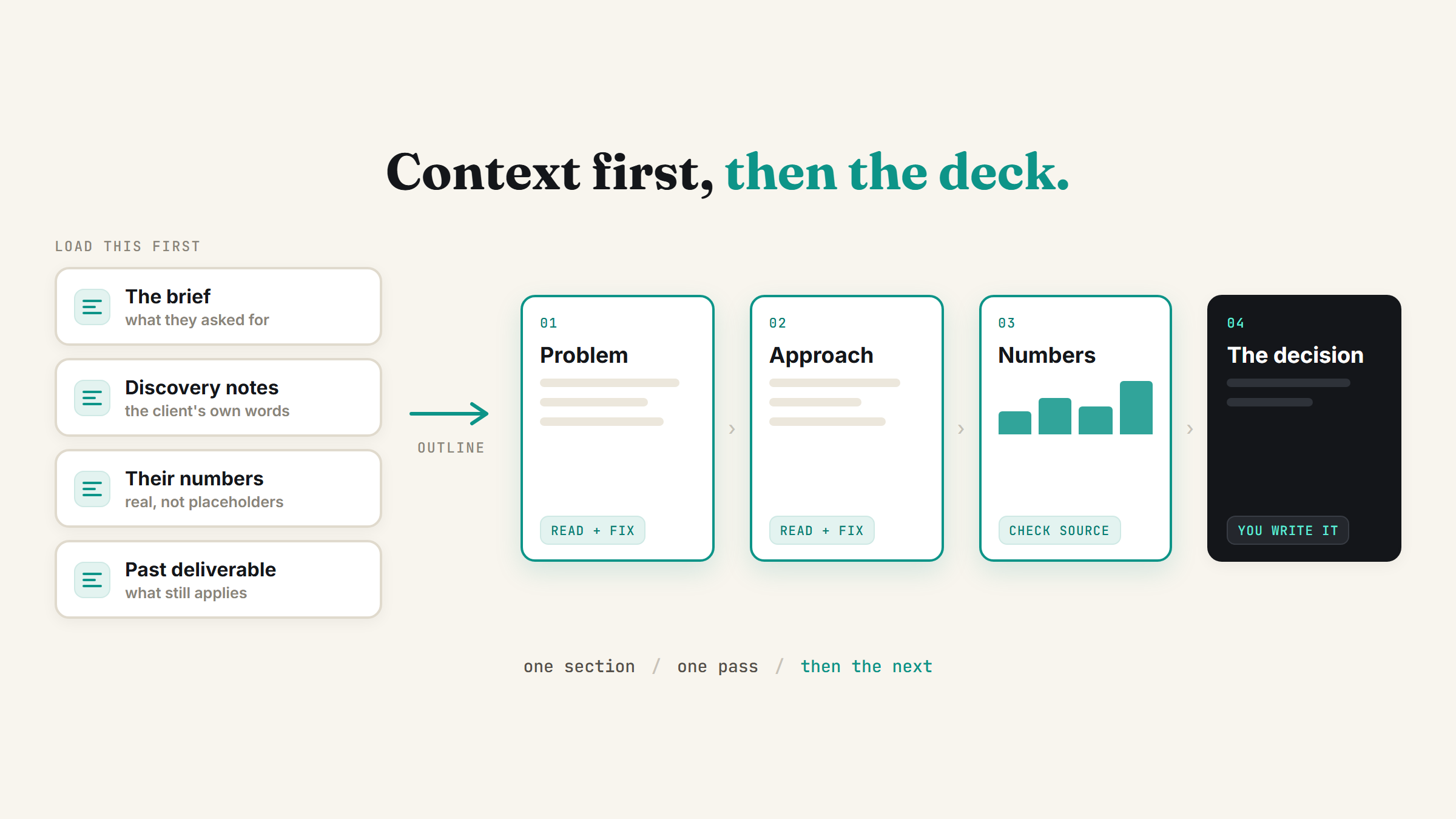
The fix isn't a better prompt. It's giving Claude the same material you'd hand a sharp associate before they started building slides: the brief, your notes, the client's own words from the call, and anything from a past deliverable that's still relevant.
Load the real context before you ask for a single slide
Paste in the brief, the discovery notes, and the client's own numbers before you ask for structure. This is the same approach that works for writing a business plan with Claude: the plan only gets good once the model has your actual numbers and context to work from instead of inventing placeholders. A deck works the same way. If the client said "our biggest cost is overtime labour in Q4," that sentence belongs in the deck before Claude writes a single slide, not as a footnote you add afterward.
Once that context is loaded, ask for an outline first, not the final slides. A rough structure you can push back on in two minutes saves you from reworking twelve finished slides later.
Build it section by section, not "generate my deck"
Treat the deck like four separate documents, not one. Problem framing, approach, numbers, and recommendation each deserve their own pass. Build the problem slide, read it, correct anything that's off, then move to approach. This is slower than asking for the whole deck in one shot, but it's the difference between a deck that reads as assembled by someone who understood the engagement and one that reads as generated.
For the slides themselves, Claude can turn that structure into an actual, editable PowerPoint file rather than just a description of what the slides should say, which matters when the deliverable has to open cleanly in the client's own tools afterward.
What still has to be yours
The judgment calls don't move. Claude can structure a problem statement cleanly and tighten your language, but it doesn't know which risk this specific client will actually push back on in the room, or which number in the numbers slide is the one they'll fixate on. That read comes from the discovery call, not the transcript of it. The same split applies across consulting work generally: AI handles structure and first drafts well, the client relationship and the judgment calls still sit with you.
The close matters too. A deck that ends on a generic "next steps" slide undoes the specificity you built into the rest of it. Write that slide yourself, in the client's language, pointing at the actual decision they need to make.
FAQ
Can Claude actually build a PowerPoint file, not just describe slides?
Yes. Claude can generate an actual, editable PowerPoint (.pptx) file rather than just text describing what slides should contain, so the output opens directly in PowerPoint or Google Slides without you rebuilding it by hand.
Is this faster than using a dedicated AI slide generator?
Not for the first deck. Loading real context and building section by section takes longer than typing one prompt into a generic slide tool. It pays off on the output quality, not the speed, and it gets faster on your second and third deck once you've got a repeatable process for loading context.
What context should I load before asking for a deck?
The actual brief, any discovery call notes, the client's own numbers, and anything from a past deliverable for that client that's still relevant. The goal is giving Claude the same material a sharp associate would get before starting, not a one-line description of the client.
Do I still need to review everything before sending it to a client?
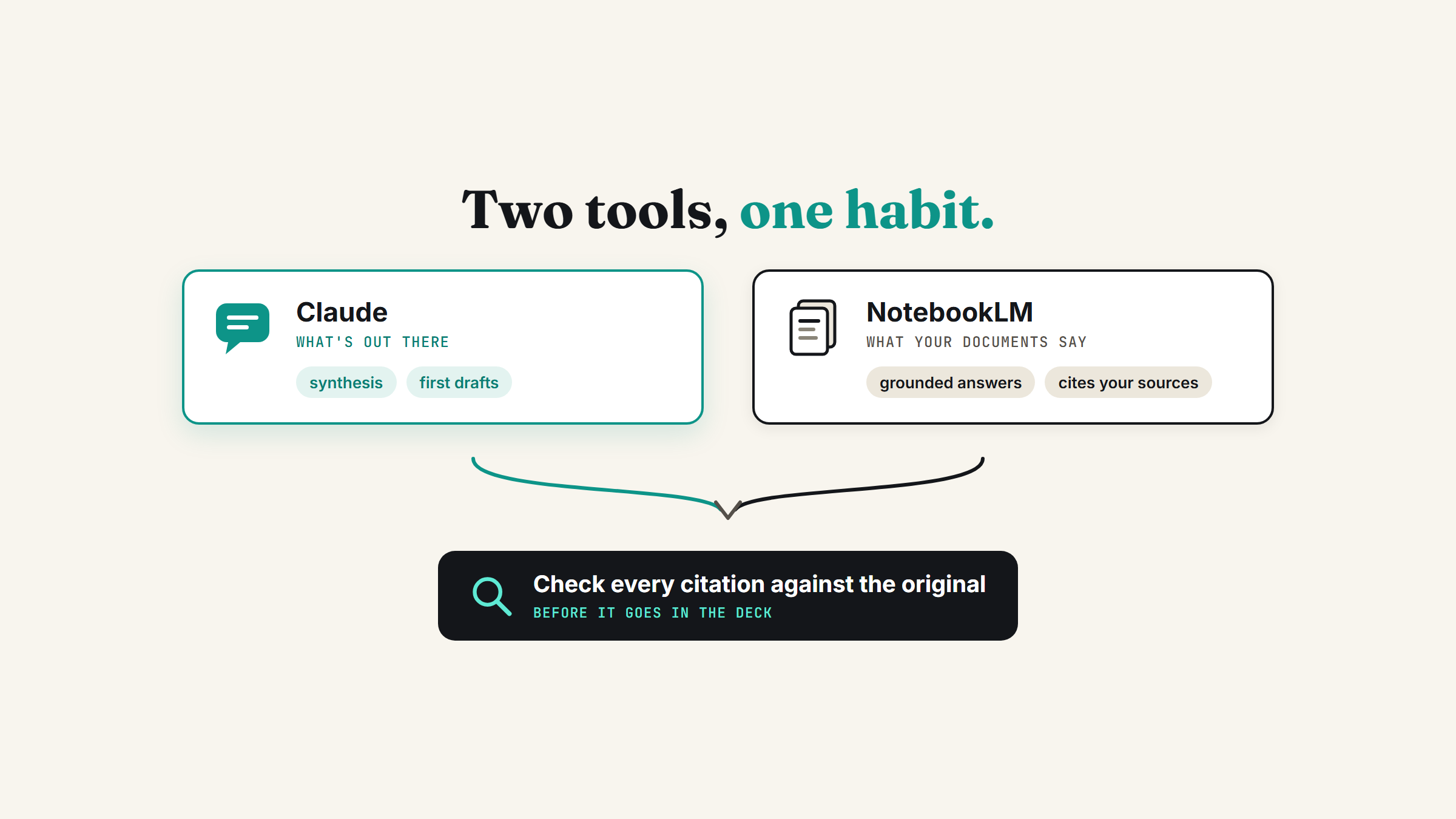
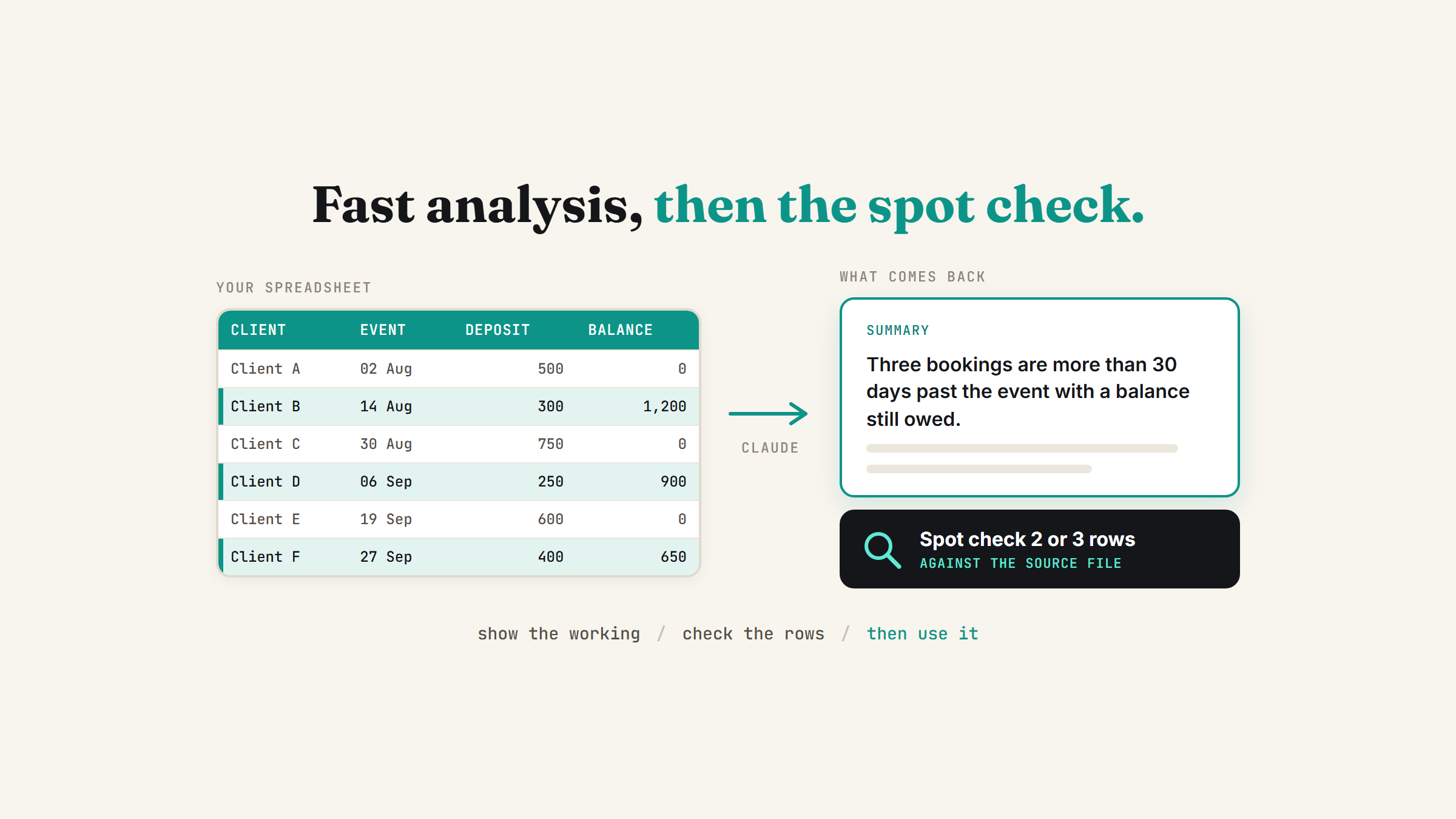
Yes, always. Treat Claude's draft the way you'd treat a first draft from a junior team member: solid structure and language, but every number and claim gets checked against the source before it goes in front of a client. For more on where that review step matters most in a consulting practice, see how AI actually fits into a consulting practice.
If you're building client decks regularly and want this set up as a repeatable process instead of starting from scratch each time, book a strategy call and we'll build the first one together.
Want help building your next client deck this way?
Book a strategy call and I'll walk through setting this up around a real brief of yours, then build the first section together.
Book a strategy call →One working AI system in your inbox, weekly
The Operator's AI: the email edition of everything I publish here, plus the Free AI Bundle the moment you join.
Subscribe free →